The best app for your Logitech mouse.

Periph is the most powerful, seamless way to manage your Logitech devices, without an account and without the lag. Switch from Logi Options+ in seconds and keep working.

Download for Mac

Free for 14 days. The best app for MX Master, MX Keys, Lift, and more.

Connects over
  • HID++
  • Bolt
  • Unifying
  • Bluetooth
  • USB

Customize however you like it.

Click a control on the MX Master and pick what it should do. Every button, wheel and gesture is fair game.
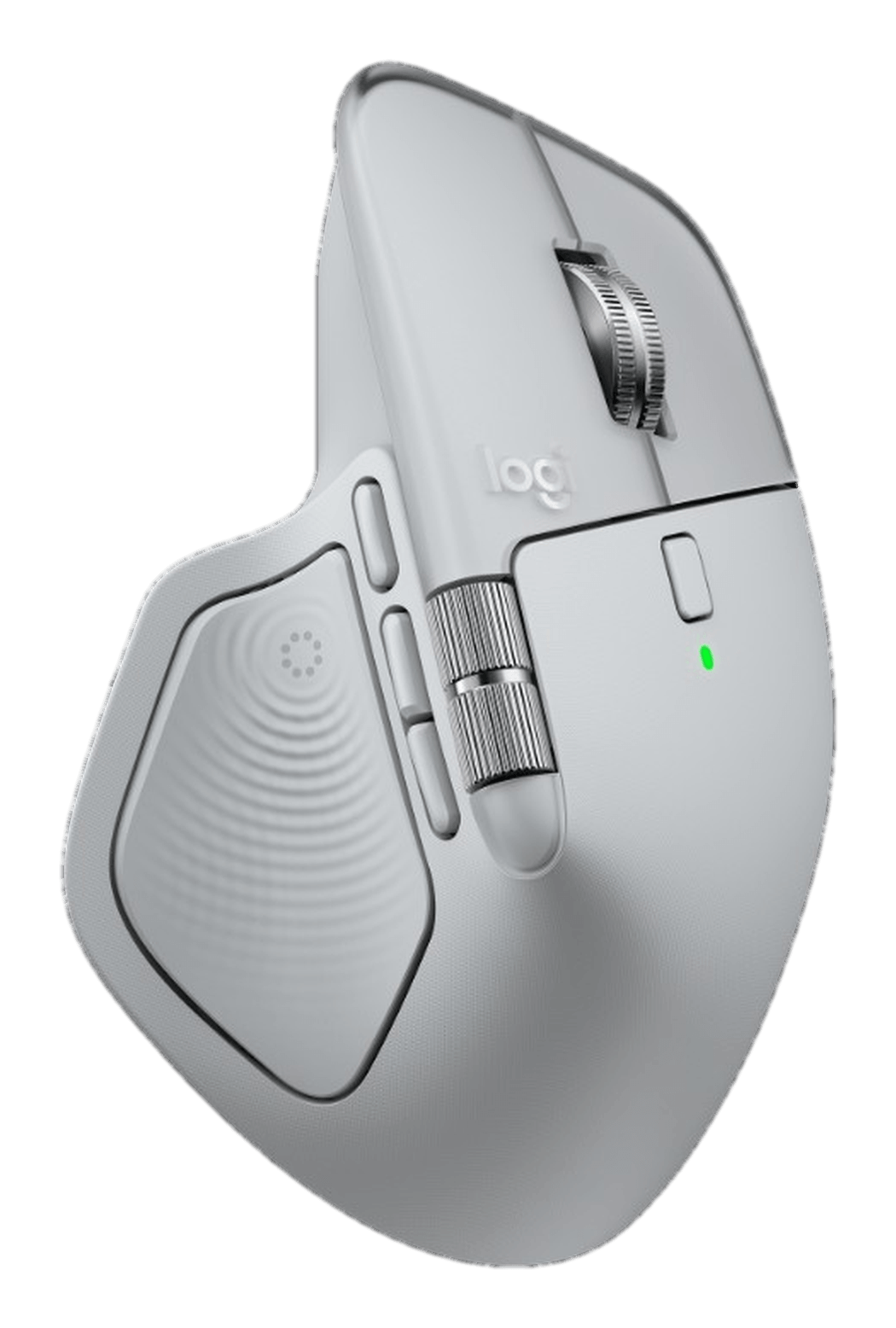
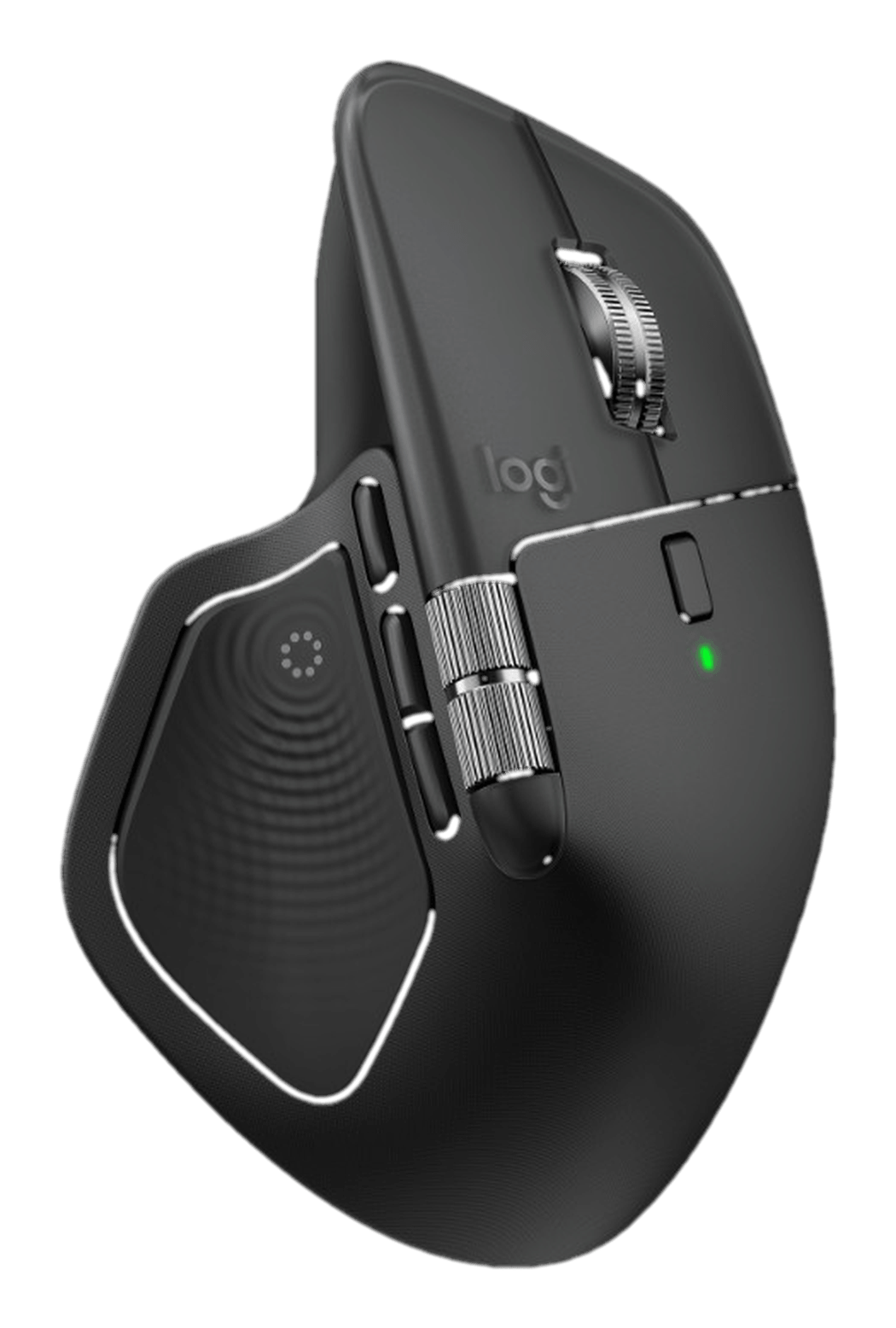
Pale grey MX Master 4 with every control mapped

Why Periph

Your productivity
should keep up with you.

The gesture you already have. The scroll that matches your hand. The profile that is already on when you sit down. Periph is how the desk stays out of the way of the work.

Profiles
Per appActive: Figma
FigmaDesign
Final Cut ProEditing
SafariBrowsing
Everything elseDefault
Switch measured at 18 ms on an M2 Air.

Profiles that follow your work

Different bindings in Figma than in Final Cut. Periph switches the moment you switch apps, with no delay you can feel.

Scrolling that feels right

Flick for free-spin, inch for ratchet. SmartShift switches for you, or you pick. MagSpeed is quiet either way.

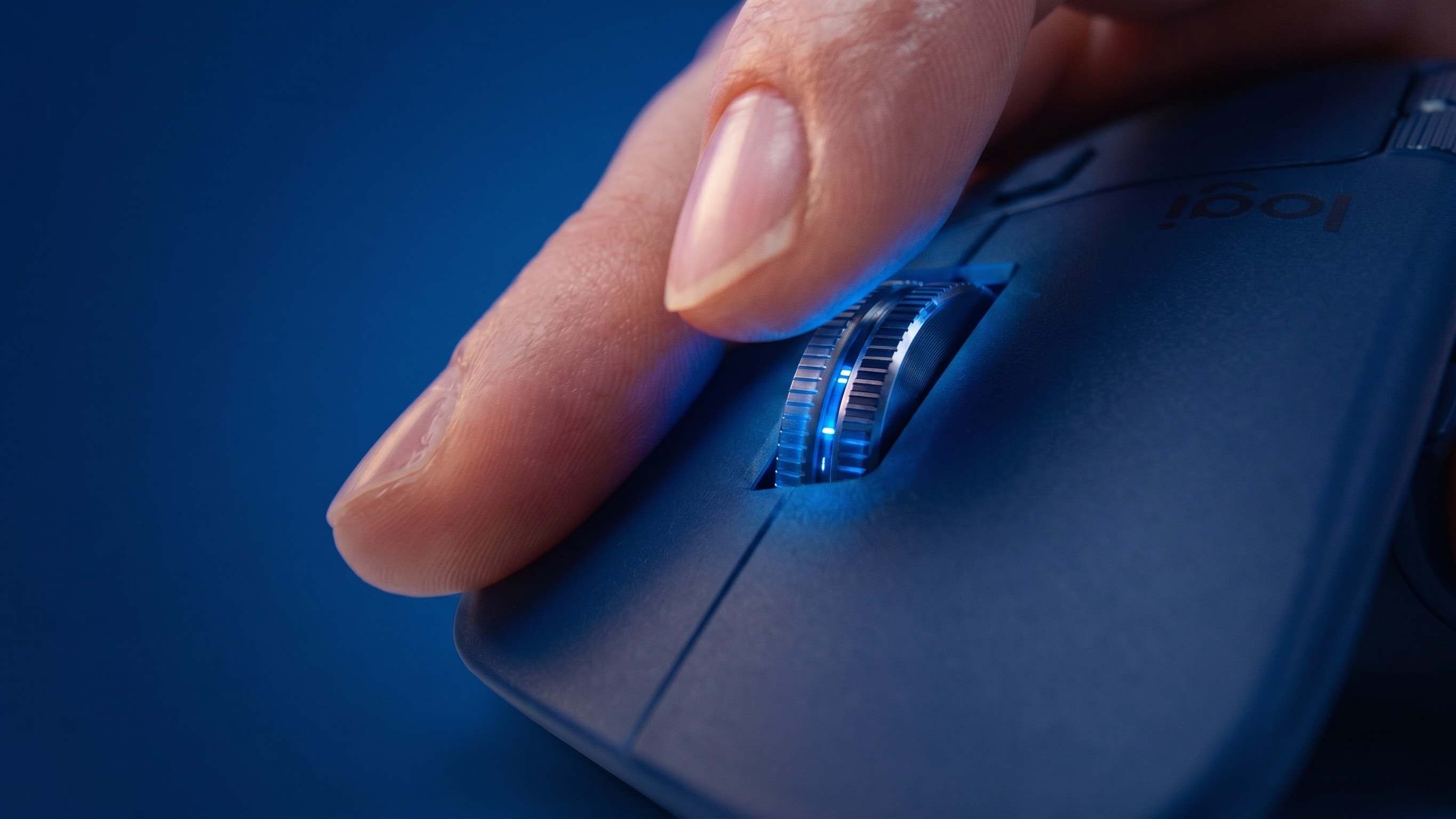
Index finger on the MagSpeed scroll wheel of an MX Master
Logitech MX Master, MX Keys and Brio on a desk

Mouse, keyboard and webcam.

The whole desk in one window. Bindings, backlight, camera and lights without jumping between apps.

Battery you can actually see

Charge level in the menu bar, plus a notice before it dies, not after.

Setup

Be productive again in ninety seconds.

Install

Drag it in and open it. No wizard, no restart, no account to create first.

Import

Periph finds your Options+ profiles on first launch and tells you exactly what it read.

Bind

Click a button on the device in the window, pick an action. That is the whole app.

Import
Found your Logi Options+ setup
Devices4
App profiles11
Button bindings38
Import allReview one by one

Moving over

Bring your setup with you.

Periph reads the profiles you already built in Logi Options+. Install it, quit the old app, and everything is where you left it.

Compatibility

Mice
MX Master 3SMX Master 3MX Master 2SMX Anywhere 3SMX VerticalMX ErgoLiftLift for MacSignature M650Pebble Mouse 2 M350sAnd more
Keyboards
MX Keys SMX KeysMX Keys MiniMX MechanicalMX Mechanical MiniSignature K650Signature Slim K950Ergo K860Pebble Keys 2 K380sWave KeysAnd more
Webcams and lights
Brio 500Brio 505Brio 300Brio 4K StreamStreamCamC920 / C920sC922 ProLitra GlowLitra BeamLitra Beam LXAnd more

Compared

The best Logitech experience, side by side.

PeriphLogi Options+
Memory after a weekAround 40 MB, steadyStarts near 300 MB, climbs into the gigabytes
Time to open the windowInstantSeconds, sometimes never
Keeps working after an updateYesNot reliably
Fixes and new featuresEvery few weeksWhen they ship
Works without an accountYesNo
Works offlineYesPartly
Imports Options+ profilesYes, seamlessn/a

Memory measured on an M2 MacBook Air over 7 days of normal use, August 2026. Tell us if something here is out of date.

Pricing

Fourteen days free. Then pick a licence.

Lifetime$89 once
5 machinesAll updates, foreverEmail supportOne payment
Buy Periph

Yearly covers 3 machines and every update while active. Lifetime covers 5 machines and never lapses. If yearly lapses, Periph stops until you renew; your settings stay on disk.

Coming from Logi Options+

Logi Options+ not working?

Same handful of problems, every time. Fix yours below, then try the app built to replace Options+ entirely: faster, lighter, and updated every few weeks.

FAQ

Your desk deserves better.

Fourteen days, every feature, no card. Import Options+ profiles on first launch and feel the difference, the most powerful, seamless Logitech setup on Mac and Windows.